
A sudden stoppage of your vibrating screen can bring an entire production line to a halt, leading to costly downtime and potential material spillage. Whether you are a plant operator or maintenance manager, knowing the correct emergency steps to take is critical to minimize damage and restore operations safely. This guide outlines a systematic approach from immediate safety checks to professional repair considerations, with practical insights drawn from years of field experience. For complex repairs or replacement parts, Haiside offers specialized support to get your screen back online efficiently.
Immediate Safety and Diagnostic Steps
Before any troubleshooting, prioritize personal safety. A stopped vibrating screen may still hold electrical charge or have mechanically tensioned springs. Follow these actions in order.
1. Power Disconnection and Lockout
Turn off the main power supply to the screen and apply a lockout/tagout device to prevent accidental restart. Verify with a voltage tester that no current remains. Only then approach the equipment.
2. Visual Inspection
Look for obvious signs of trouble:
- Burned or frayed wiring near the motor junction box
- Foreign material jammed between screen decks or side plates
- Broken springs or cracked support beams
- Oil leaks from bearing housings
- Overheated motor – touch with the back of your hand (after power off) to check for abnormal heat
3. Determine the Type of Stop
Was it a sudden stop with a loud bang? A gradual slowdown? Did the motor trip the circuit breaker? Each scenario points to different root causes. Record any alarms or error codes from the control panel before resetting.
Common Causes and Emergency Troubleshooting
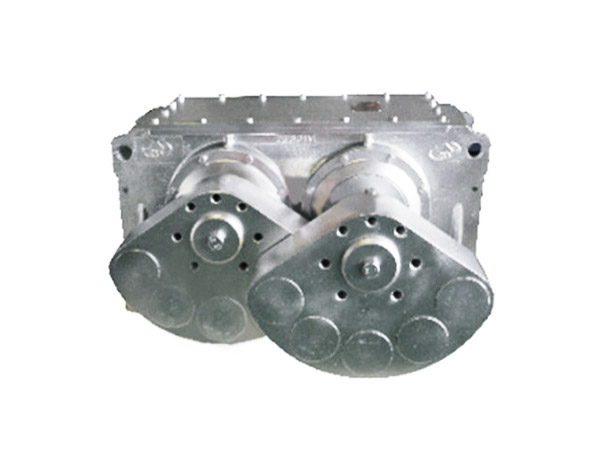
Once safety checks are complete, diagnose the likely cause using the following hierarchy.
Motor and Electrical Issues
If the motor does not hum at all, check the starter, fuses, and thermal overload relays. A single-phase condition (one blown fuse) often causes the motor to hum but not rotate. In such cases:
- Replace blown fuses with identical ratings.
- Reset thermal overloads after they cool down (usually 5–10 minutes).
- If the motor still fails, measure winding resistance with an ohmmeter – values more than 10% different between phases indicate a shorted winding, requiring motor replacement.
Important: Never restart the motor more than three times in quick succession; this can overheat and destroy the windings.
…
For more detailed information on emergency steps to stop screen vibration during operation, please click here: https://www.hsd-industry.com/news/vibrating-screen-troubleshooting/